AI on RTX — learn more
Everything NVIDIA presents on its AI-on-RTX page — the videos, the numbers, and every section (agents, everyday AI, creators, gamers, developers) — explained the RS way: in plain words.

“Multiply Your AI Performance with NVIDIA GeForce RTX AI PCs” — official NVIDIA GeForce video.
Advanced AI PCs
The fastest AI performance across more than 950 AI-accelerated apps and games.
AI-Enhanced Experiences
Sharper streaming, faster editing, and better-looking video calls.
Best in Class
AI-accelerated STEM applications help students power through coursework.
Private On-Device
AI runs locally, so your data stays on your machine — no internet required.
How NVIDIA measured this (their published test setup): each figure compares a laptop with a GeForce RTX 5060 Laptop GPU (100 W TGP) against a laptop without an RTX GPU — an Apple M4 Pro for the develop & create tests, and an Intel Core Ultra 9 285H with Arc 140T for the game & chat tests. Fine-tuning: average samples/sec, transformer fine-tuning of BERT in PyTorch, batch size 16, mixed precision. Gaming: average FPS across Avowed, Hogwarts Legacy, Marvel Rivals and S.T.A.L.K.E.R. 2 at 1080p, highest settings, with DLSS 4. Image generation: time to produce 20 images with Stable Diffusion in ComfyUI. Chat: average tokens/sec running Llama 3.1 8B quantized to int4.
Local AI agents on RTX: private, secure, and free to run
The newest wave of AI is agents — AI that doesn't just answer, but does tasks for you using the files and context on your PC. On an RTX machine they run locally: around the clock, at no per-use cost, with your data never leaving the device.

Official NVIDIA GeForce video: Project G-Assist.
Control and optimize your system with G-Assist
Project G-Assist is an AI assistant for the PC itself. Powered by a local RTX-accelerated model, it understands what you're doing and can tune, control and optimize the machine — ask it to set up for esports and it flips G-SYNC, refresh rate and image presets for you.

Official NVIDIA video: DGX Spark.
Get started with OpenClaw on RTX GPUs and DGX Spark
OpenClaw is the open agent framework NVIDIA highlights for running autonomous helpers on your own hardware. NVIDIA publishes a step-by-step guide for standing it up with RTX acceleration — on GeForce GPUs, or on DGX Spark, the desk-side Grace Blackwell AI machine.
Your everyday edge
From the apps you work in to the shows you watch, RTX-powered AI makes daily computing faster, sharper and smarter. Run the newest AI models on your own PC the day they're released — fast, smooth and fully private — and point them at your own files for personalized answers through tools like LM Studio, AnythingLLM and Nexa Hyperlink.

Official NVIDIA GeForce video: the Broadcast app.
Turn your room into a home studio
The free NVIDIA Broadcast app upgrades video calls, voice chats and live streams with AI noise removal, virtual backgrounds, auto-framing and eye contact — and it works inside any conferencing or streaming app you already use.

Official NVIDIA GeForce video: RTX Video HDR.
Upgrade your video viewing
RTX Video uses AI super-resolution and video HDR to turn ordinary internet video into crisp 4K HDR — available in Chrome, Edge and Firefox, and in VLC.
Imagination made real
Content creation runs faster on RTX in over 100 AI-enabled, RTX-accelerated creative apps — including the Adobe Creative Cloud suite, Blender, DaVinci Resolve and OBS Studio, plus NVIDIA's own exclusive Studio suite of AI tools.

Official NVIDIA Studio video.
10× faster image generation, accelerated everything
This is where the 10× figure above comes from: in NVIDIA's side-by-side demo, an RTX laptop finishes 6 AI images in the time other hardware produces 1. The same Tensor Cores speed up video editing and export, photo tools and 3D rendering across the whole creative stack.
Gaming powered by AI
RTX AI improves everything from frame rates to image fidelity — and keeps thin laptops fast, cool and quiet while doing it.
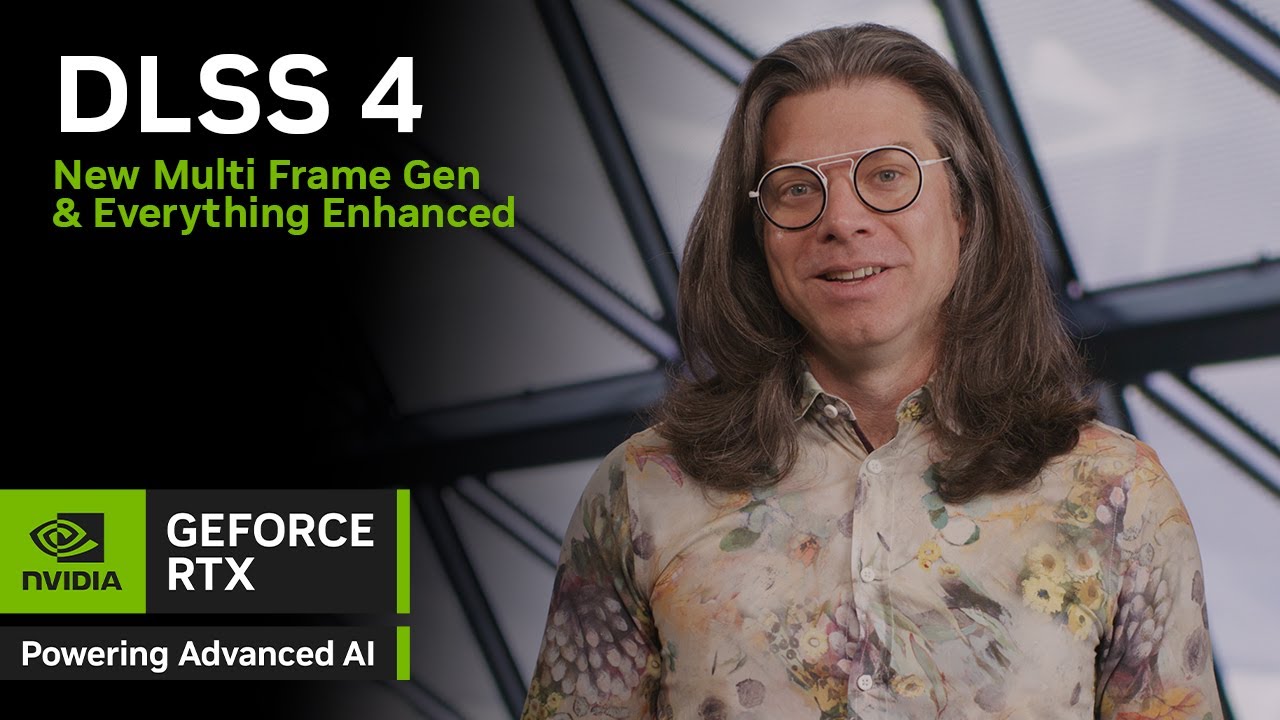
Official NVIDIA GeForce video: DLSS 4.
DLSS — supreme speed, superior visuals
A suite of neural-rendering technologies that uses AI to multiply frame rates, cut latency and improve image quality. This is the engine behind the 12× FPS figure above.

Official NVIDIA GeForce video: RTX Remix.
Remaster the classics with RTX Remix
Capture assets from classic games, enhance their materials with generative AI, and rebuild them as stunning remasters with full ray tracing and DLSS.
Laptops · Max-Q The advanced Max-Q suite of AI-powered technologies balances performance, power draw and fan noise, so gaming laptops stay powerful, portable and quiet.
Easy, private, and on-device
From running your own chatbot on your PC to training custom models, RTX gives developers a local AI workbench: NIM microservices (prepackaged, RTX-optimized models for language, vision, speech and design), ready-made AI Blueprints (example workflows like PDF-to-podcast or 3D-guided image generation), and integrations with LM Studio, AnythingLLM, Microsoft AI Toolkit, CrewAI and LangChain.
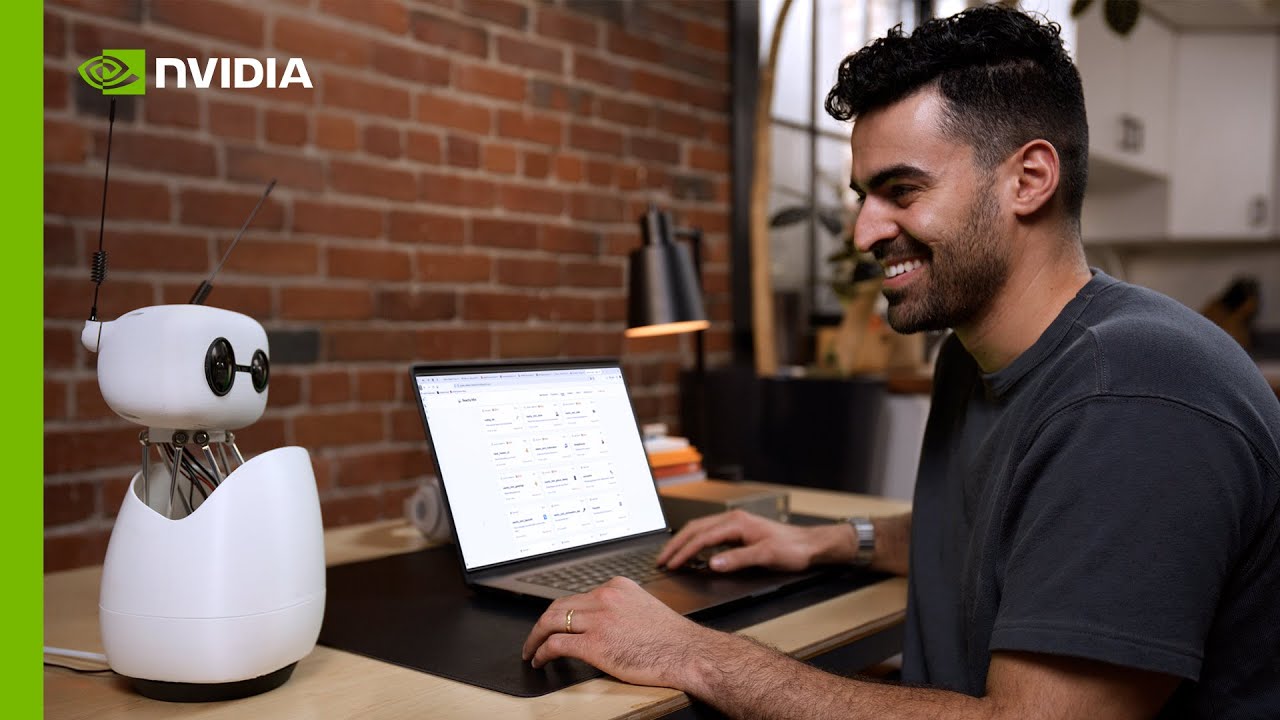
Official NVIDIA video: building an AI assistant on DGX Spark.
Your models, your machine
Fine-tuning a model on your own data on an RTX PC is the 4× training figure at the top of this page — and because it all happens on-device, nothing you train on ever leaves your machine.
AI TOPS — every RTX laptop GPU, ranked
Plain words: AI TOPS = trillions of AI operations per second. It's the one number that says how fast a GPU's Tensor Cores (its built-in AI engine) are. Bigger bar = faster AI. Desktop versions of these GPUs are also available and run even faster.
| GPU (laptop) | AI TOPS | Relative speed |
|---|---|---|
| GeForce RTX 5090 | 1,824 | |
| GeForce RTX 5080 | 1,334 | |
| GeForce RTX 5070 Ti | 992 | |
| GeForce RTX 5070 | 798 | |
| GeForce RTX 4090 | 686 | |
| GeForce RTX 5060 | 572 | |
| GeForce RTX 4080 | 542 | |
| GeForce RTX 4070 Ti | 321 | |
| GeForce RTX 4070 | 233 | |
| GeForce RTX 4050 | 194 |
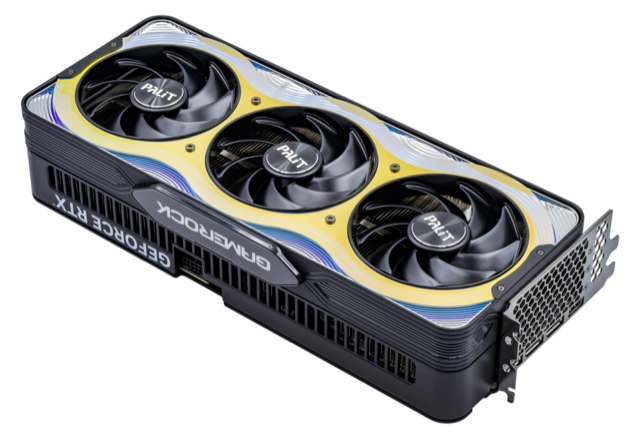
GeForce RTX 5090 — 1,824 AI TOPS, the fastest RTX GPU.
Photo: PantheraLeo1359531 via Wikimedia Commons · CC BY 4.0
Sources & where to buy
All figures on this page are NVIDIA's own published numbers, summarized in our words from nvidia.com/ai-on-rtx (retrieved July 2026). Videos are NVIDIA's official releases, embedded from their YouTube channels — visit the original page for NVIDIA's full presentation and demos.